


Prompt
top-down product shot, a orange and white [DEVICE] on a white background, transparent layers, playful still-life, back button focus, superflat style
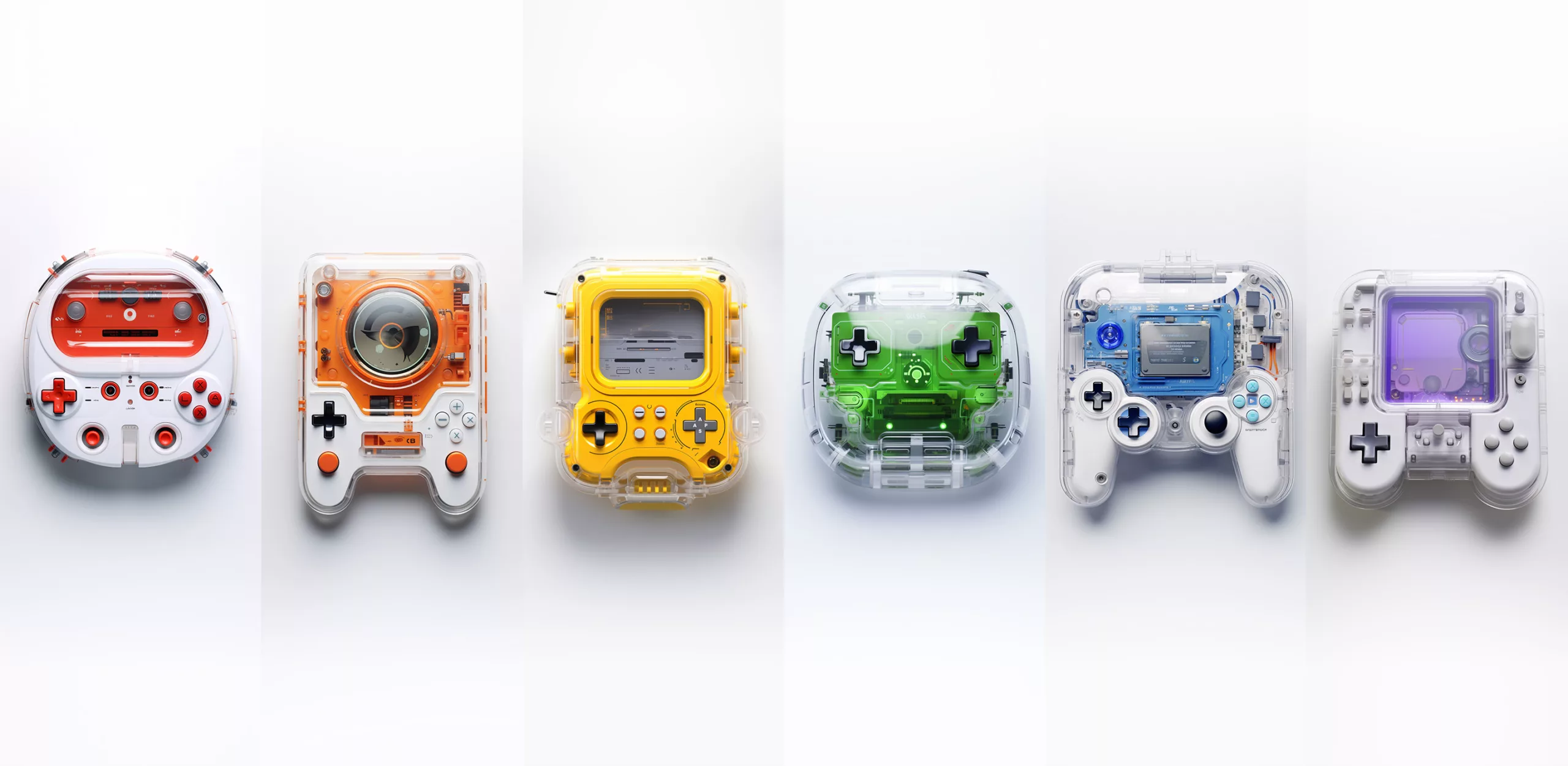
Prompt
top-down product shot a [color] and white futuristic gaming device on a white background, transparent layers, playful still-lifes, back button focus, beeple, superflat style
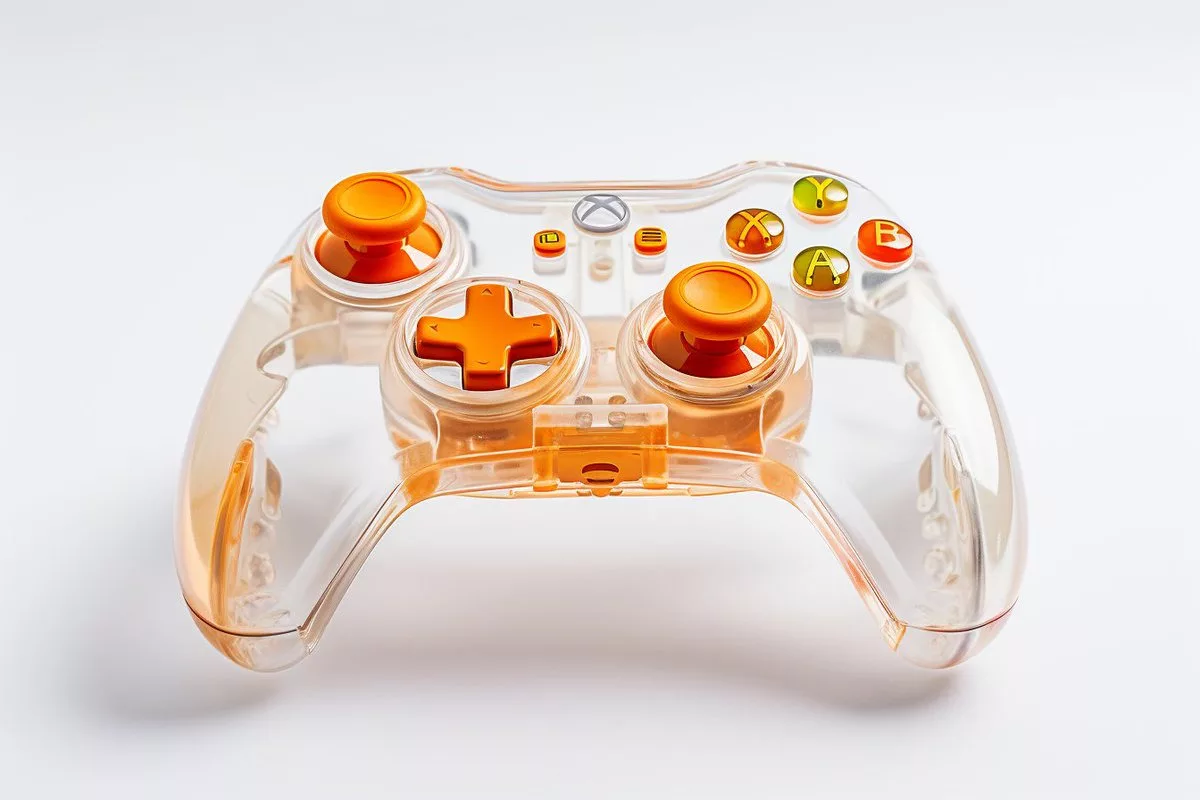

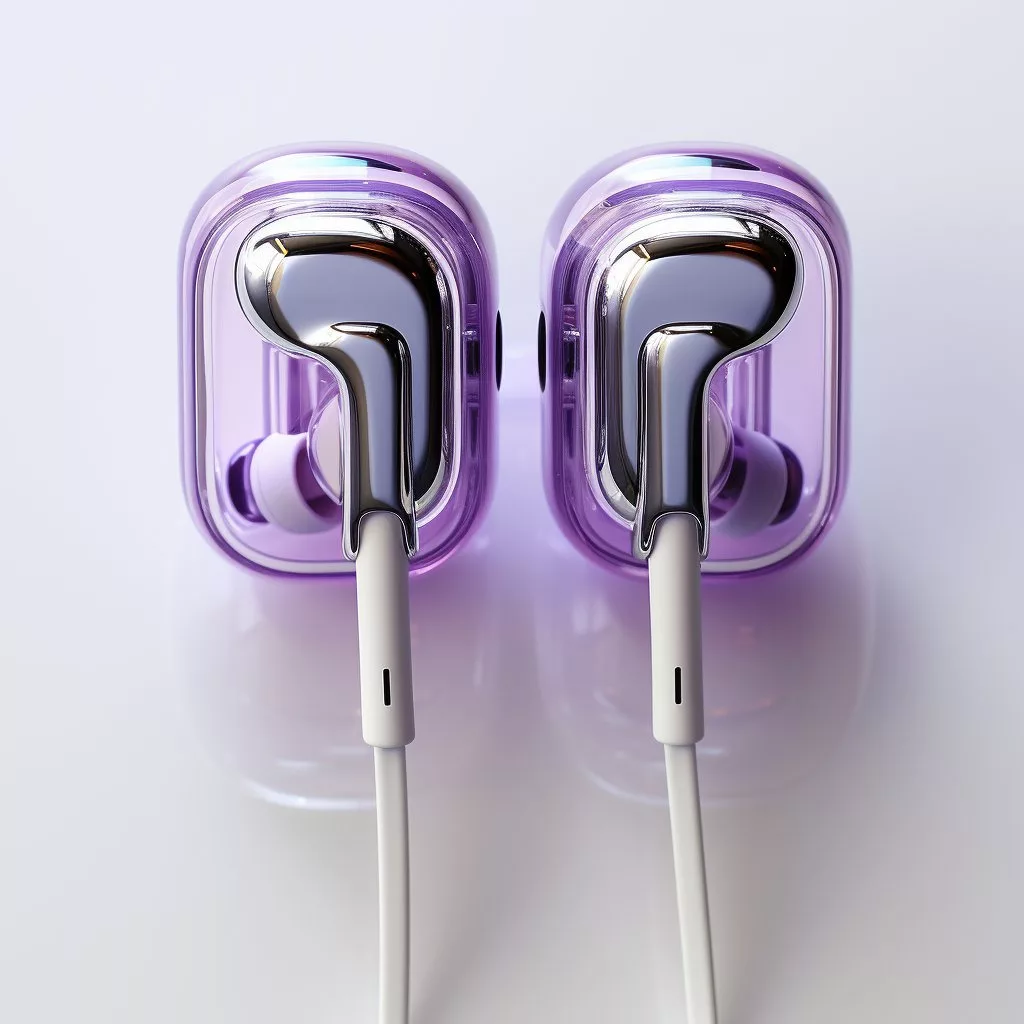

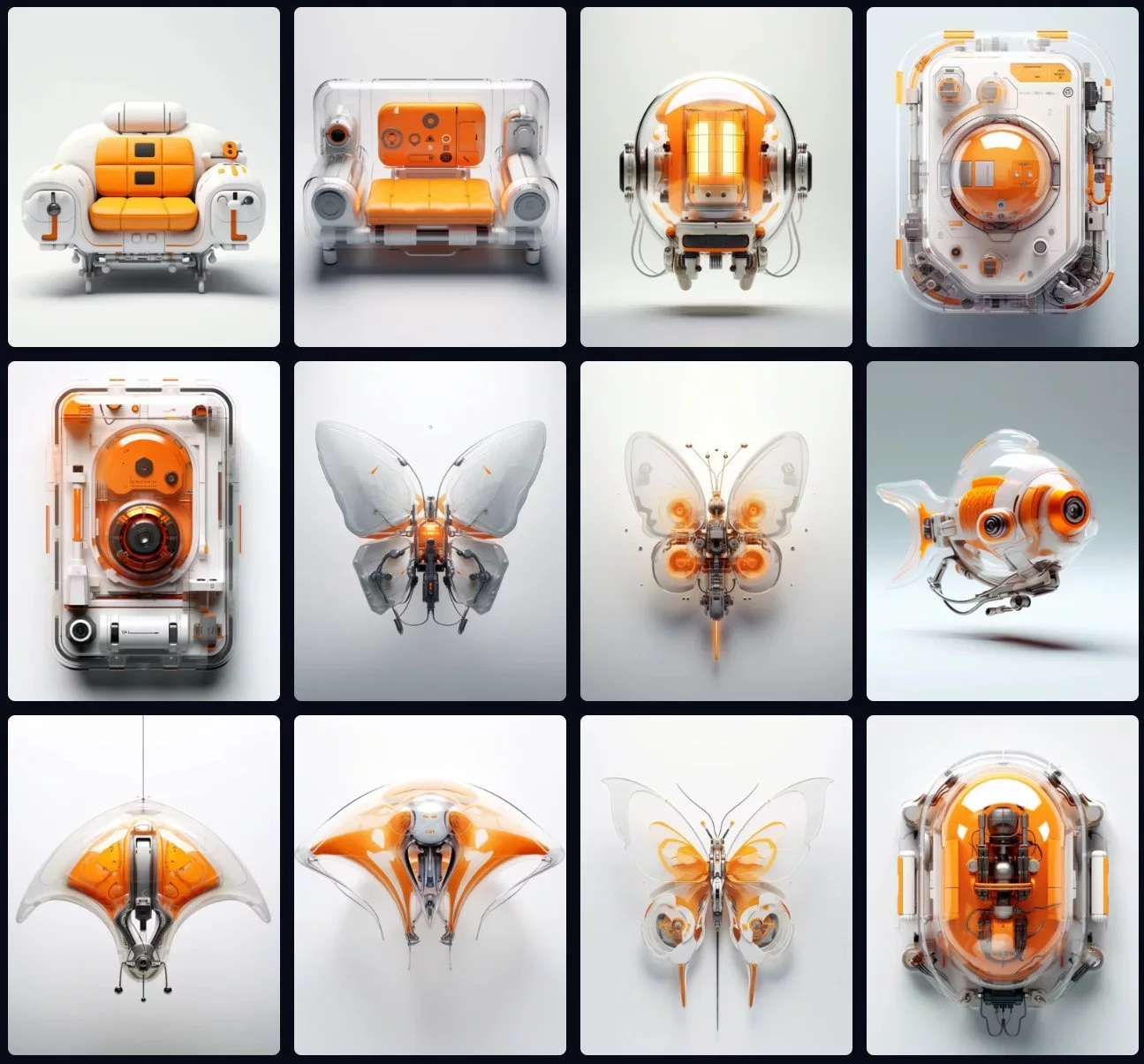
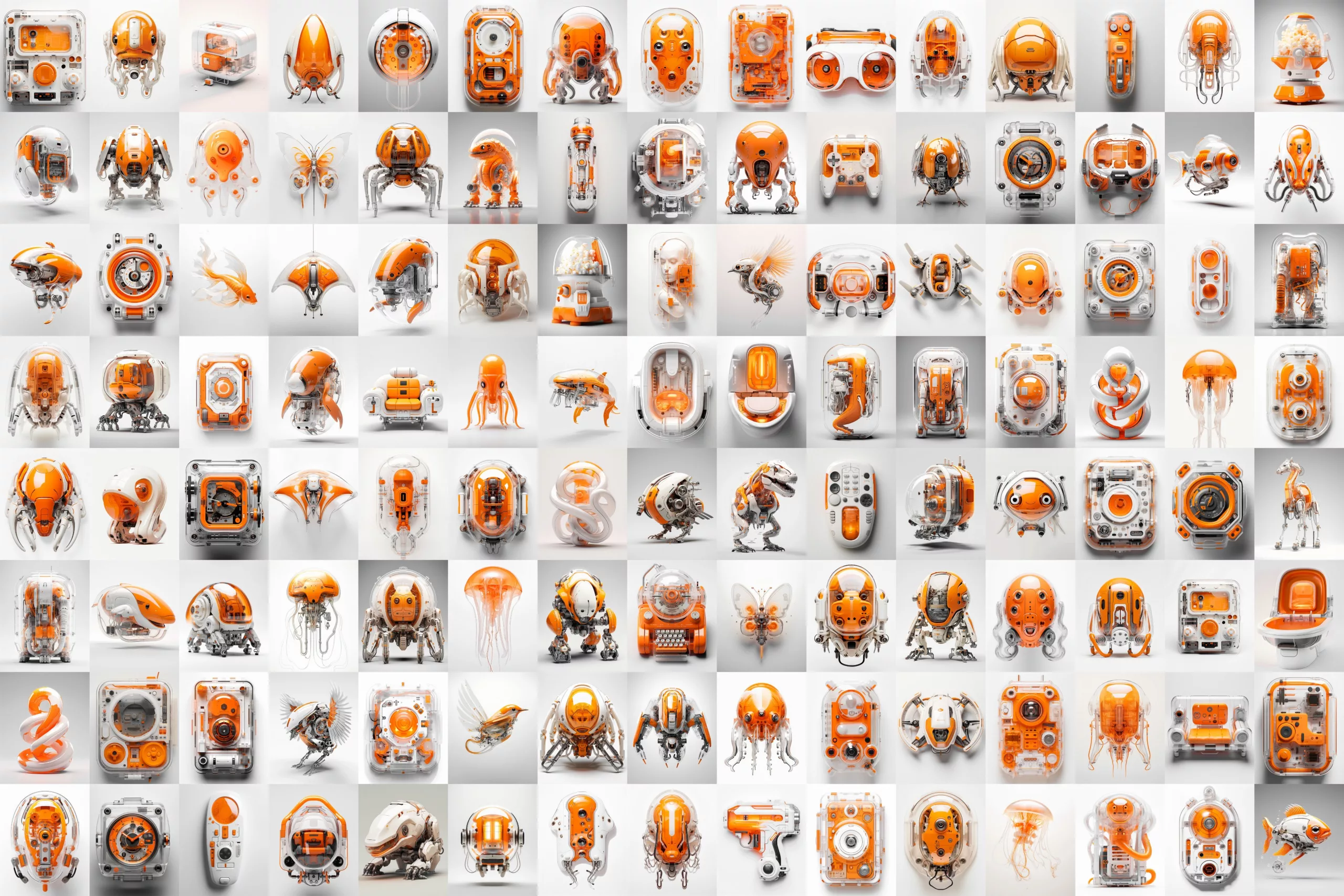
中文语义对照:提示词:俯视产品照,白色背景上的一台[颜色]与白色[设备],透明分层,俏皮静物,强调背部按钮,超扁平风格。
💡 调优建议:将 [DEVICE] 与 [color] 替换为具体对象,并优先保留“white background / transparent layers / top-down product shot”三项以稳定构图。
这类短快讯的价值在于把复杂的视觉生成需求压缩成可复用模板,尤其适合电商主图、概念产品提案、UI/硬件视觉草图和社媒封面。相比需要复杂参数控制的 Stable Diffusion 或 ComfyUI,Midjourney 更适合快速出图与风格统一;而与通用文生图方案相比,这类提示词更强调构图、材质与产品展示语义,便于直接落地。
Midjourney 怎么生成透明设备图?
可直接使用“top-down product shot, a [color] and white [DEVICE] on a white background, transparent layers”这类提示词,重点加入白底、透明分层和俯视产品照,能更稳定得到透明感设备图。
这个提示词适合哪些设备类型?
适合游戏机、耳机、手持终端、智能硬件等各类设备。只需把 [DEVICE] 替换成具体品类,并按需调整颜色,就能快速生成不同产品概念图。
如何让 Midjourney 画面更像产品海报?
可保留 top-down product shot、white background、superflat style 等关键词,减少复杂场景干扰;若想更有设计感,可加入 playful still-life 或 beeple 风格词增强视觉表现。
如何把设备名快速替换成通用模板?
先固定构图、镜头和材质描述,只把 [DEVICE]、[color]、尺寸与接口特征替换掉;再用同一 seed 或相近风格词批量出图,能显著提升系列一致性与复用效率。
透明分层图怎样更像电商主图?
把“白底、正面/俯视、边缘高光、结构清晰”写进提示词,并减少复杂背景与强透视;后期再统一裁切留白、压暗阴影,就能更接近可上架的产品主图风格。


